EN
EN  AR
AR 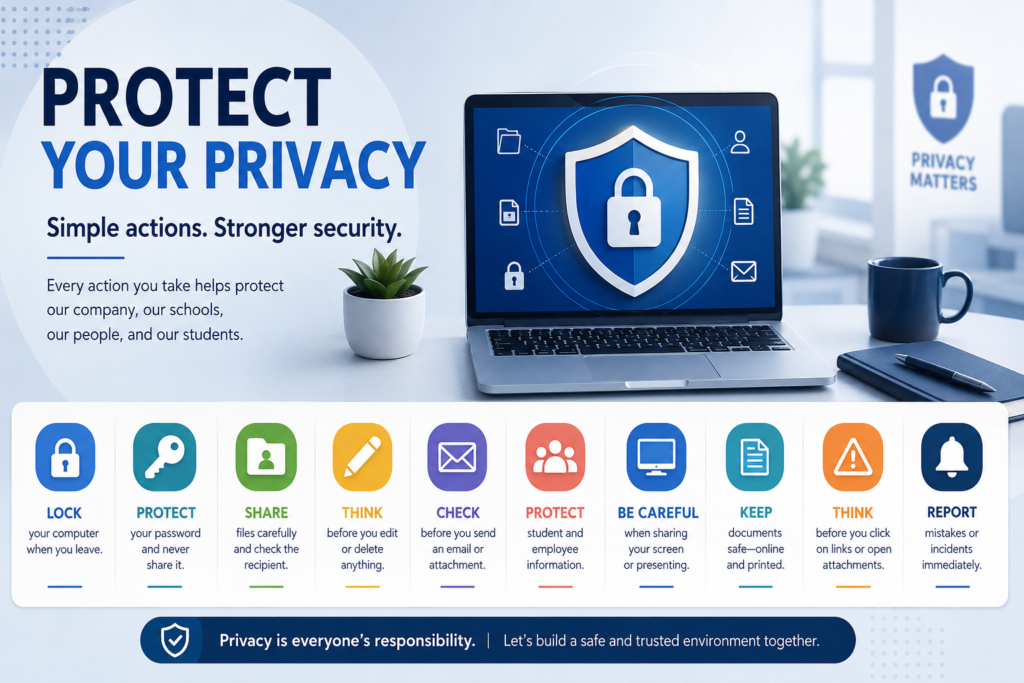
Your device and account are the gateway to email, files, and business systems. Small actions such as locking your screen and securing sign-in can prevent many privacy incidents.
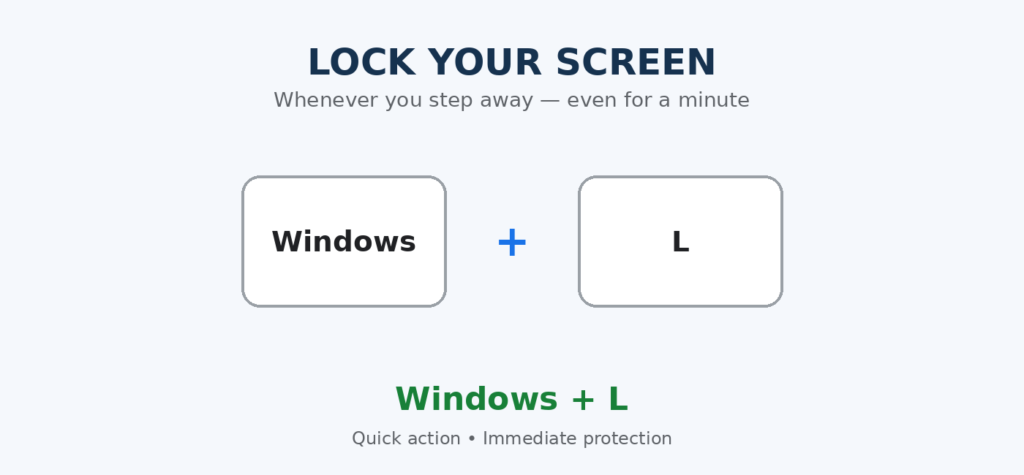
- Lock your screen with Windows + L whenever you step away, even for one minute.
- Enable automatic locking after a short period of inactivity, in line with organizational settings.
- Never allow anyone to use your account, and do not use another employee’s account.
- Use a long, unique passphrase for work and never reuse it for personal accounts.
- Never send a password or verification code by email or chat.
- Enable 2-Step Verification and never approve a sign-in request you did not initiate.
- Change your password immediately if exposure is suspected or required by policy, then notify ICT.
- Do not store passwords in a spreadsheet or beside your computer; use an approved tool if available.
- Do not save sign-in details on shared, presentation, or meeting-room computers.
- Review account sessions and signed-in devices, and remove anything you do not recognize.
- Position your screen so visitors and passers-by cannot view sensitive information.
- Do not install unapproved software or browser extensions; they may access your files or activity.
- Follow a clean-desk practice: do not leave papers, ID cards, or storage devices visible after work.
| Before leaving your desk: lock the screen, secure sensitive papers, and never let anyone use your account. |