
Welcome to Canva for Education!

Table of Contents

Hi all,

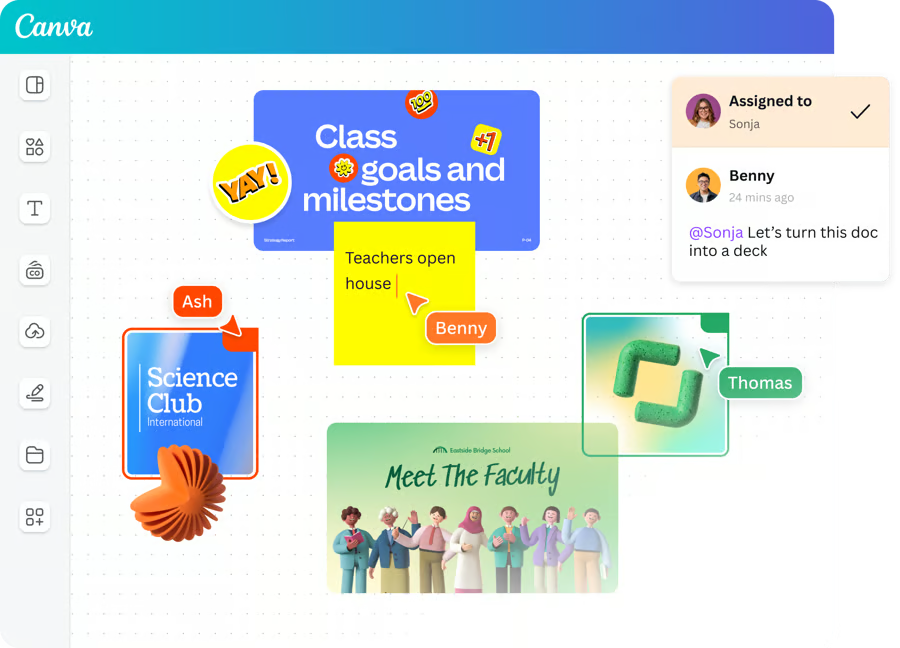
I’m happy to share that we’ve recently launched Canva for Education across your school! All staff, teachers, and students now have access to the all-in-one visual communication platform, 100% free.

Whatever you want to create – presentations, posters, videos, digital whiteboarding, newsletters, a teacher portal, marketing collateral, or websites to connect with parents – you can do it all in Canva.

What’s next?

  • You can log in to your new school-based Canva team with your school credentials at www.canva.com. There, you
    can use the full power of Canva for Education as well as effortlessly working together with colleagues through real-
    time collaboration, easy sharing, feedback and comments, and more!

  • If you are already a Canva user, the next time you log out and log back into Canva, you’ll be joined to the new school
    team. Your pre-existing content will be accessible by switching between teams; you can copy designs to your new
    school team by following these steps. Click here to log out of Canva to get started.

  • Please read the Canva teacher’s guide, even if you’ve used Canva before – there are a few differences between our
    new organization-wide version of Canva and versions you may have used in the past.

  • To learn more about using Canva to support your work, check out Canva’s general learning site (Canva Design
    School) or their Teacher Resources page for resources specific to K-12 students and teachers.

If you have any questions about Canva or want to learn more about using Canva in your classroom, contact our
technology team!


Sincerely,

Abdulrahman Osama, CTO

Do You Like This Post?

Share This Ticket

Stay updated with latest ICT Releases

Check your email monthly to receive Information Technology Department newslater about cyber security awarenss, new tools, latest news from tech world!

Other Posts To Explore

Got a Topic in Mind?

Reach out to us—we’d love to hear from you!

How to Login

To login to KMCC Portal:

  1. Enter your school email address in “username or email” field. (e.g. ahmed@abaqalilm.com or ahmed@duratalsharq.com)
  2. Default password for the first time is “kmcc@123
  3. You can change your password from “reset password” page.
What's new

We’ve updated the system with new features and improvements to enhance your experience. Check out our latest changelog to see what’s changed!

لقد قمنا بتحديث النظام بميزات وتحسينات جديدة لتعزيز تجربتكم. اطلع على سجل التحديثات لمعرفة آخر الإضافات!


Your satisfaction matters!

Your satisfaction matters!